
To get started, you need to register a user on the platform. Post registration, a 7 day free trial account is automatically created for the user. You can also cancel the trial account and purchase a subscription plan if required. For more information on subscription plans, go to Pricing page
Please go to Website > Sign Up
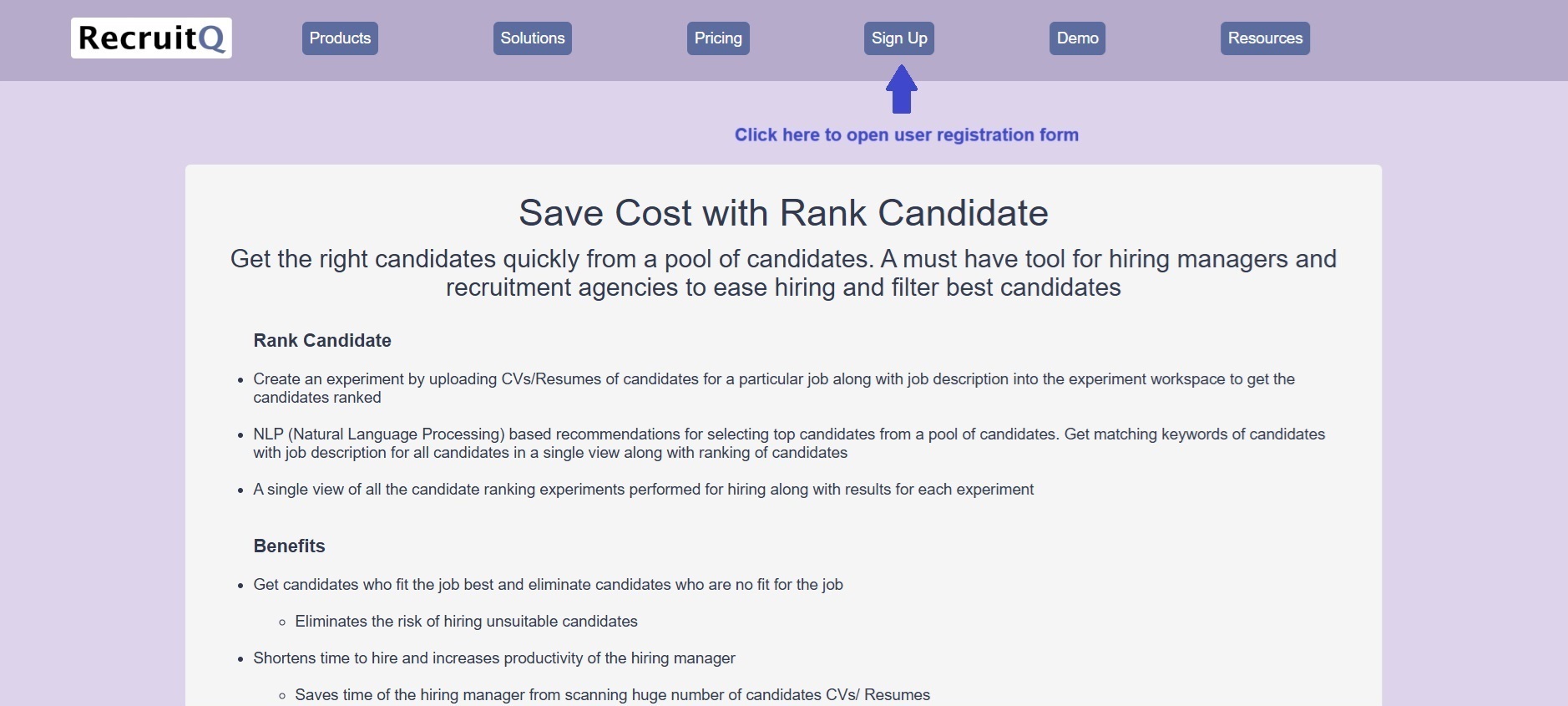
User registration form will open up. You need to fill the form and then click on Register
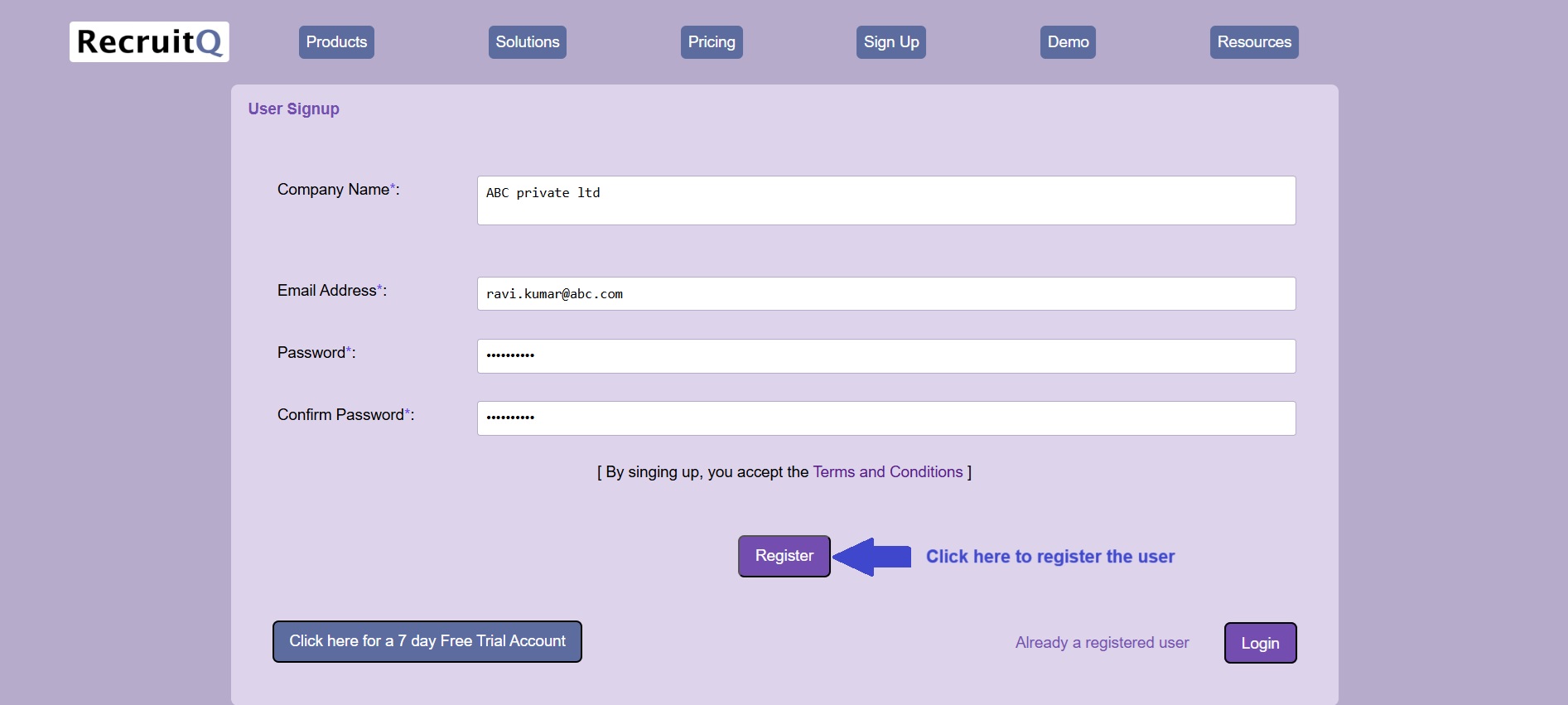
button to register a user. '*' implies mandatory fields which are needed for successful registration
Below is the filled user registration form. Click on the Register button to register the user. Post successful registration
a 7 day free trial account is created. You will also receive mail about user registration
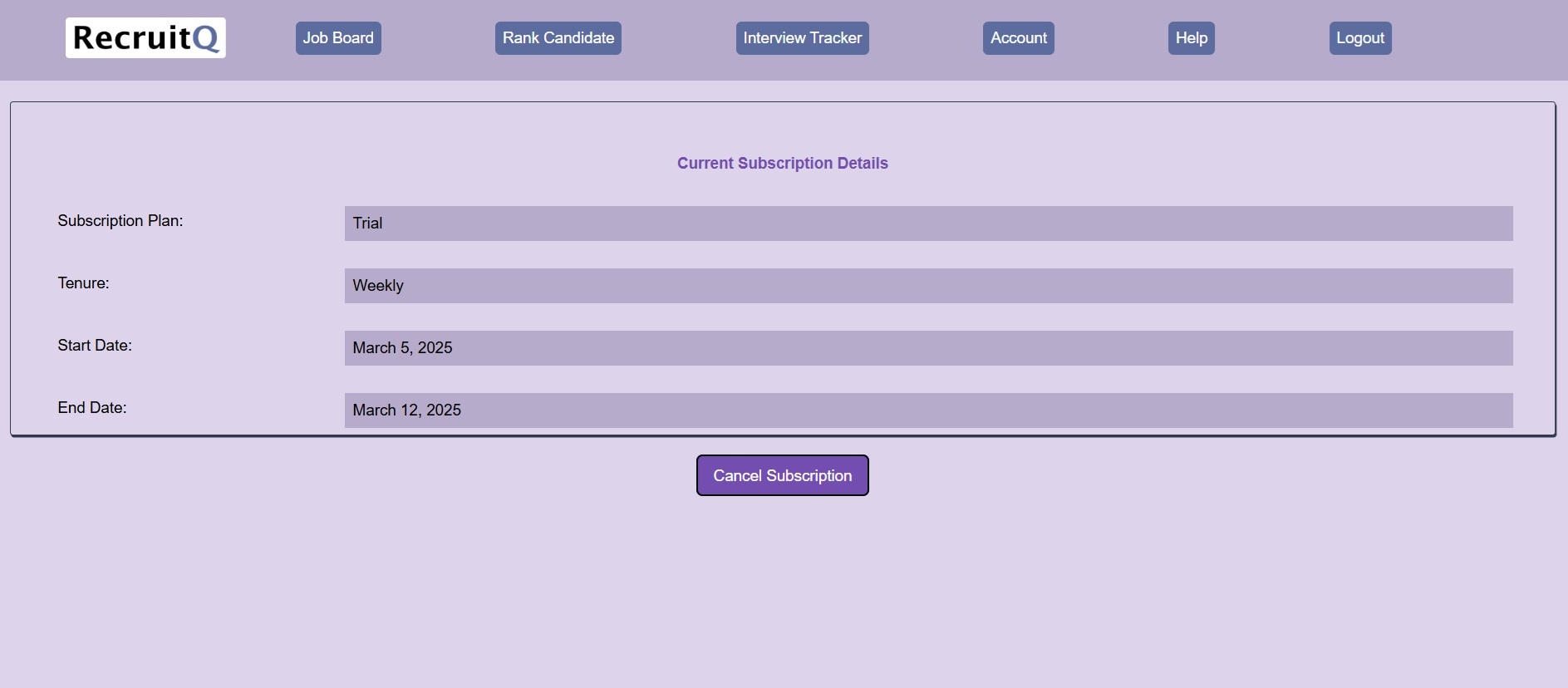
After registration, to see the subscription details, go to Account > Subscription
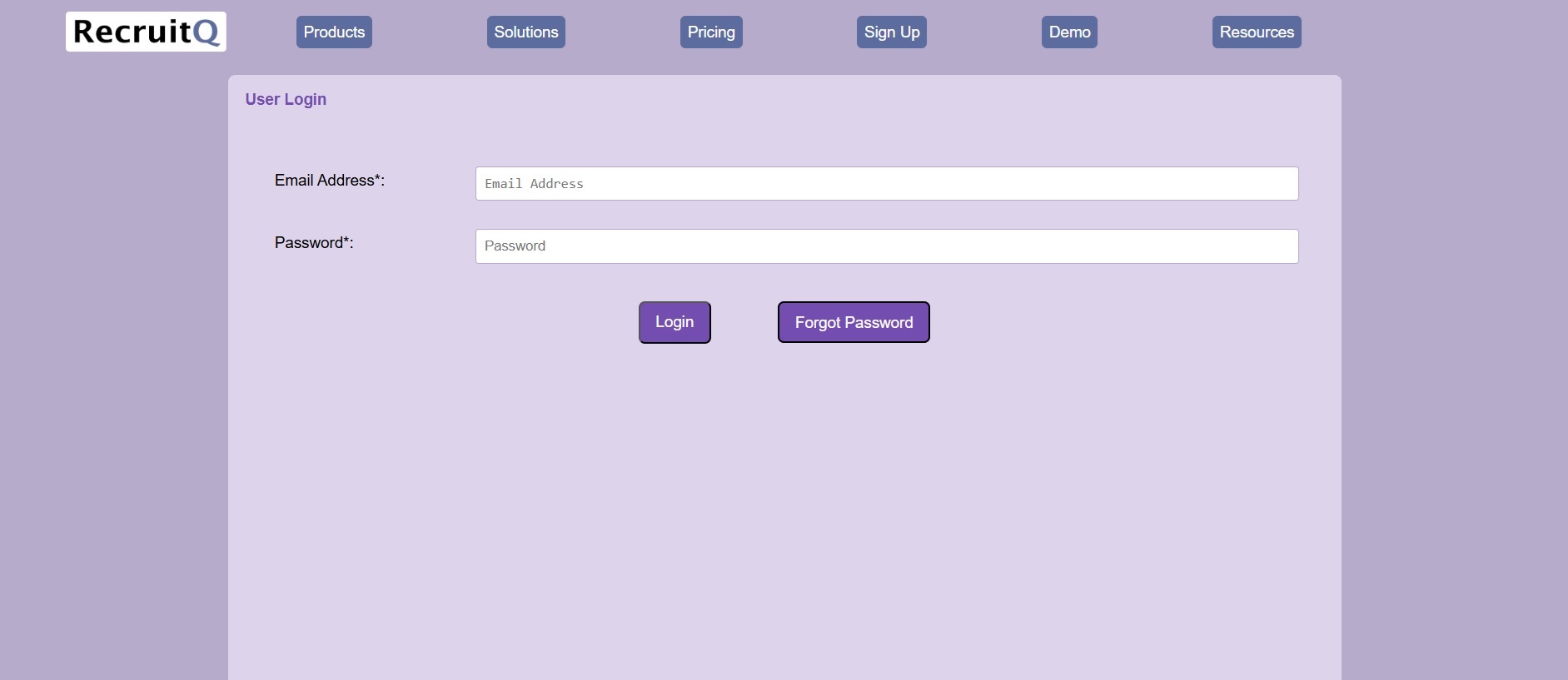
Post user registration, you can login with your username into the application
Please go to Website > Sign Up > Login
At bottom right, you will find the Login button. Please enter your email address and password and click Login button
for successful login
A user can setup new password if he forgets his password
Please go to Website > Sign Up > Login > Forgot Password
Please enter your registered email address and click Reset Password. You will receive an email with instructions
to change your password